Comfort & ventilation
CO₂, temperature and humidity help show when rooms feel stuffy, uncomfortable or need more fresh air.
The hardware
Not every building needs the same level of monitoring. MoveAir connects carefully selected IAQ monitors to one dashboard, from simple, cost-effective options for classrooms and meeting rooms to advanced multi-parameter systems for WELL, RESET Air, LEED and BMS-integrated projects.
Wi-Fi · Ethernet with PoE · BACnet · Modbus · MQTT · API
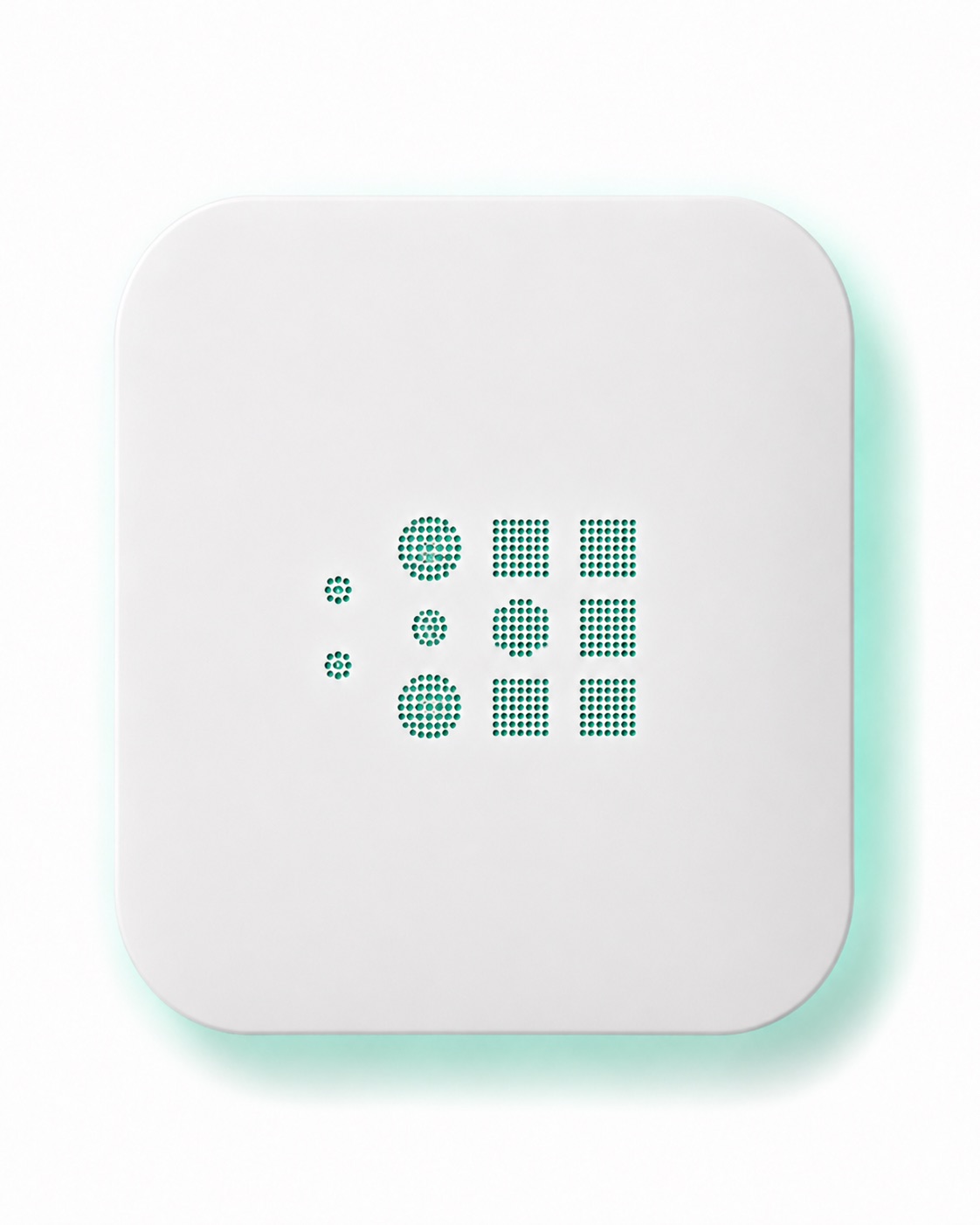
Air indicator · Good
01 · Monitoring configurations
Not every indoor space needs the same measurements. MoveAir starts with the parameters that matter most, then adds more specialised monitoring where the building, location or project requires it.
Every selected configuration connects to the same MoveAir dashboard, giving you one clear view of indoor air quality across rooms, buildings and portfolios.
Core parameters
CO₂, temperature and humidity help show when rooms feel stuffy, uncomfortable or need more fresh air.
PM2.5 and PM10 monitoring helps track pollution from outdoor air, cooking, combustion, dust and everyday activity.
Depending on the project, monitoring can include formaldehyde, nitrogen dioxide, ozone, carbon monoxide and other relevant gases.
Noise, light and pressure can be added where comfort, workplace experience or building performance require a broader picture.
Monitor → MoveAir dashboard → alerts, trends and insights
02 · Specifications
The exact specification depends on the space, project goals and selected monitoring configuration. MoveAir helps you choose the parameters, connectivity and installation options you actually need.
03 · The other half
Every selected IAQ monitor connects to the MoveAir platform, where live data becomes clear insight your team can act on.
04 · Questions
Yes. Depending on the selected monitoring configuration, MoveAir can connect through BACnet, Modbus, MQTT or API. IAQ data can be shared with your existing BMS while remaining visible in the MoveAir dashboard.
Not always. Some monitors can operate independently or connect directly to an existing BMS. The MoveAir platform adds live dashboards, alerts, trends, reporting and one clear view across rooms, buildings and portfolios.
We look at the type of space, the parameters you need, connectivity, reporting goals and budget. This may mean a simple, cost-effective setup for classrooms or an advanced configuration for certification and BMS-integrated projects.
This depends on the selected hardware and project requirements. MoveAir defines the appropriate setup, commissioning, calibration and verification approach, with additional requirements applied where certification standards call for them.
Pricing depends on the number of spaces, parameters, connectivity and level of platform or project support required. You can begin with a single room or pilot before expanding across a building or portfolio.
In a 20-minute demo, we'll show you live IAQ readings, the MoveAir dashboard, alerts and reporting. We'll also discuss the right monitoring setup for your space.